
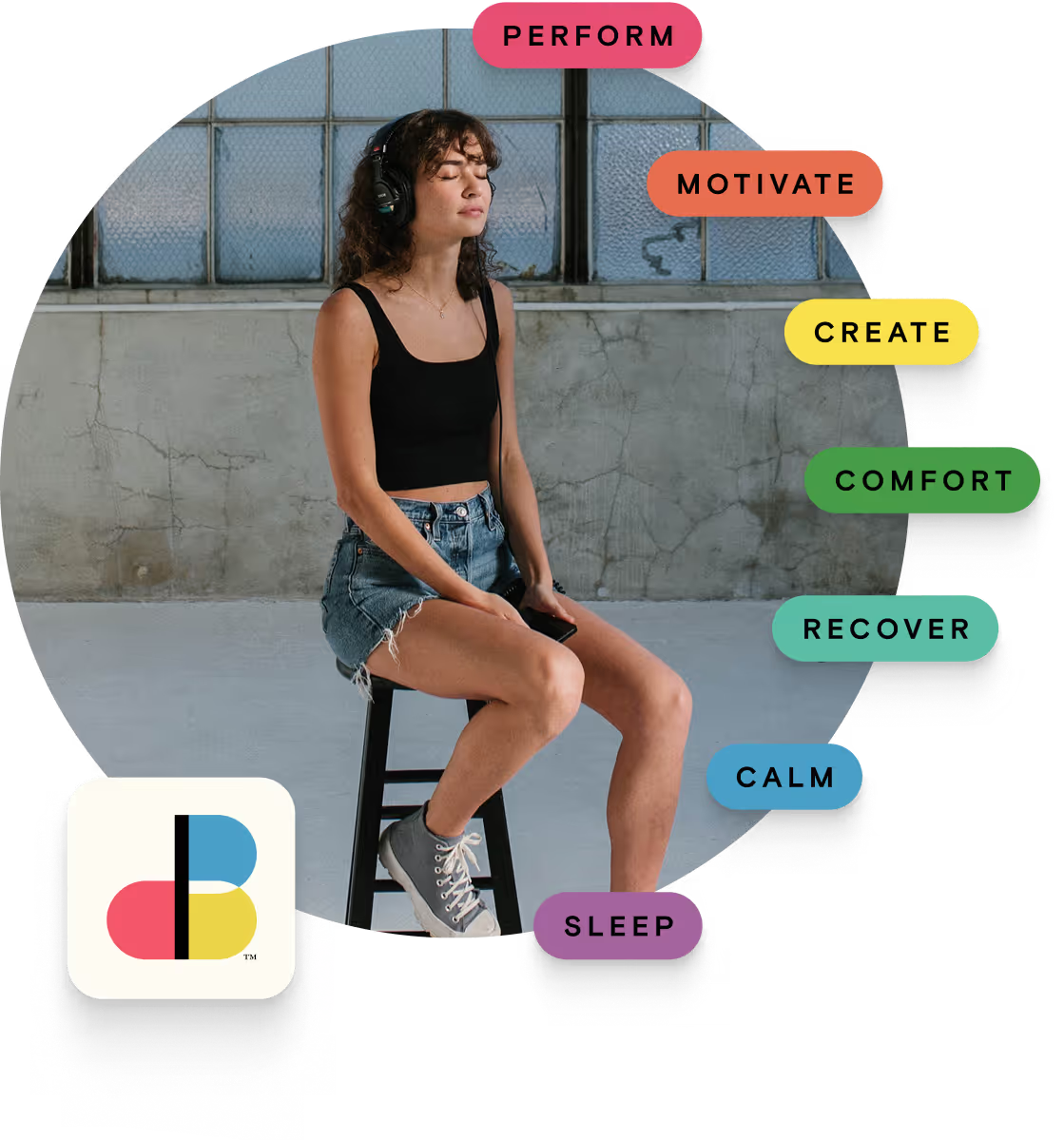
A full range of empowering tools
Whatever your day requires of you, our patented solutions provide an easy pathway.
Before You Download
You’ve been invited to experience soundBrilliance ahead of its public launch. Follow the steps below to install the app and begin.
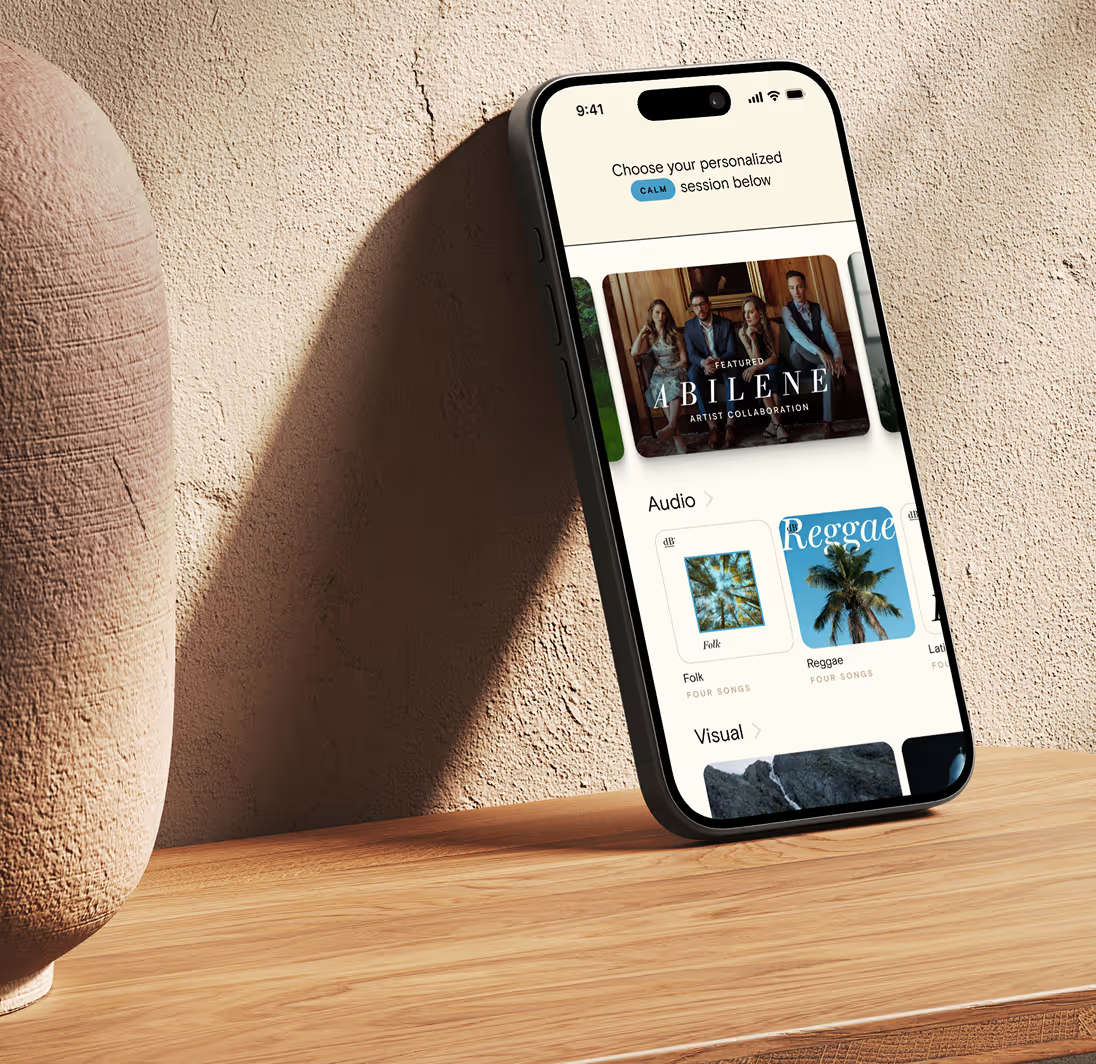
soundBrilliance is an app for actively managing your mental and physical health — using precision-engineered music, natural visuals, and guided experience to help you shift how you feel, on demand. The app spans seven end states across the complete spectrum of health: Perform, Motivate, Create, Comfort, Recover, Calm, and Sleep. Sessions address the moment. Journeys build lasting capacity over time.
If you previously downloaded soundBrilliance, delete the existing app from your device before installing it again. This helps ensure that you receive the correct and most current version.
When ready, use the App Store link below to download soundBrilliance.
Install the soundBrilliance app from the App Store
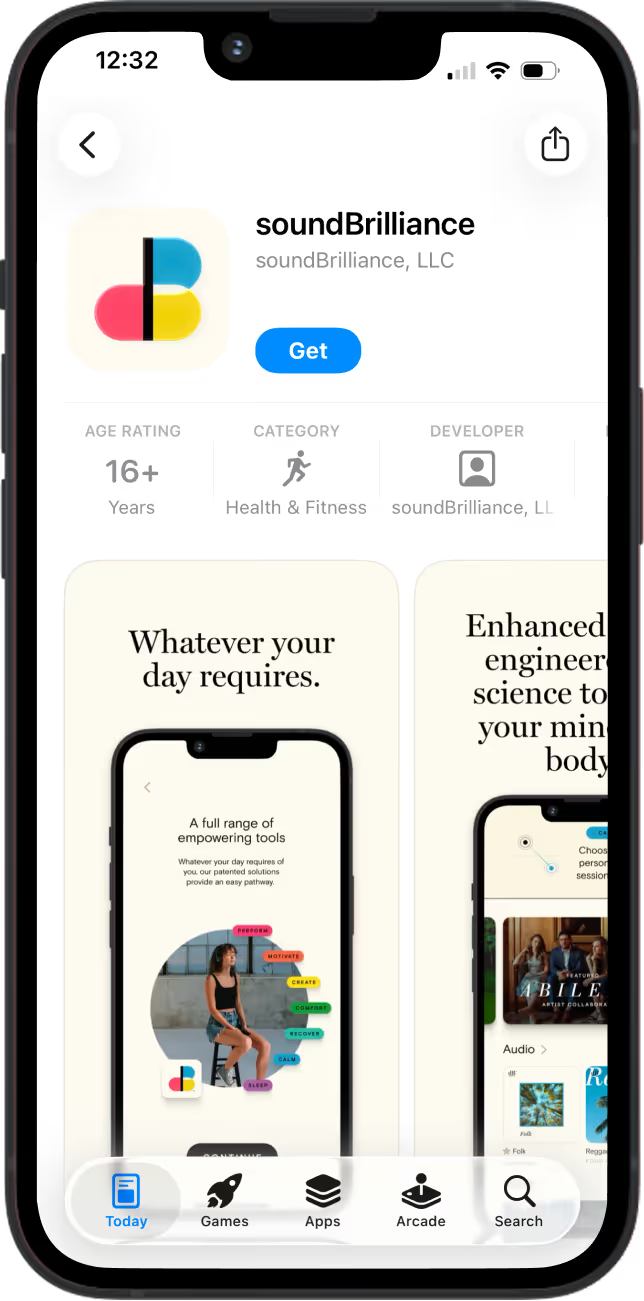
Click the button below to open up the App Store. Click the blue "Get" button to install the app. Be ready to return to this page for further instructions. This is a temporary path to maximize security as we roll out the app.

Log in and begin
Enter the code name and password provided. You're in.
Important: You will have a limited demonstration. We look forward to your feedback and our next conversation.
Troubleshooting
If you're having trouble with the app loading, try these steps in order.
- Disable any active VPN. A VPN on your phone can interfere with the app. Turn it off and try again.
- Force-close the app. Exit soundBrilliance, then swipe up from the home screen to see open apps and swipe it closed. Reopen it.
- Try a different network. Connect to a different WiFi network, or switch to cellular, and relaunch the app.
Still stuck? Reach out to Stephen Lautz at stephen.lautz@soundbrilliance.com and he'll get you sorted.